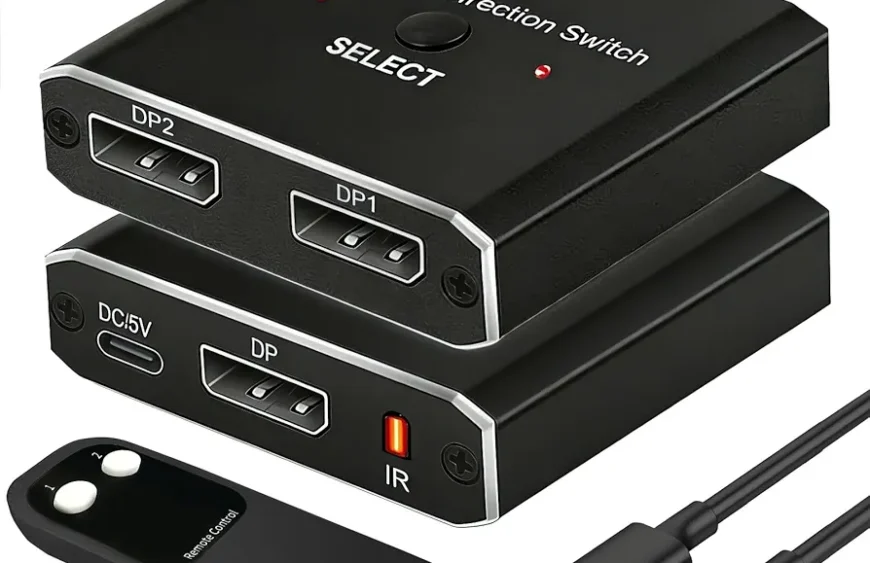
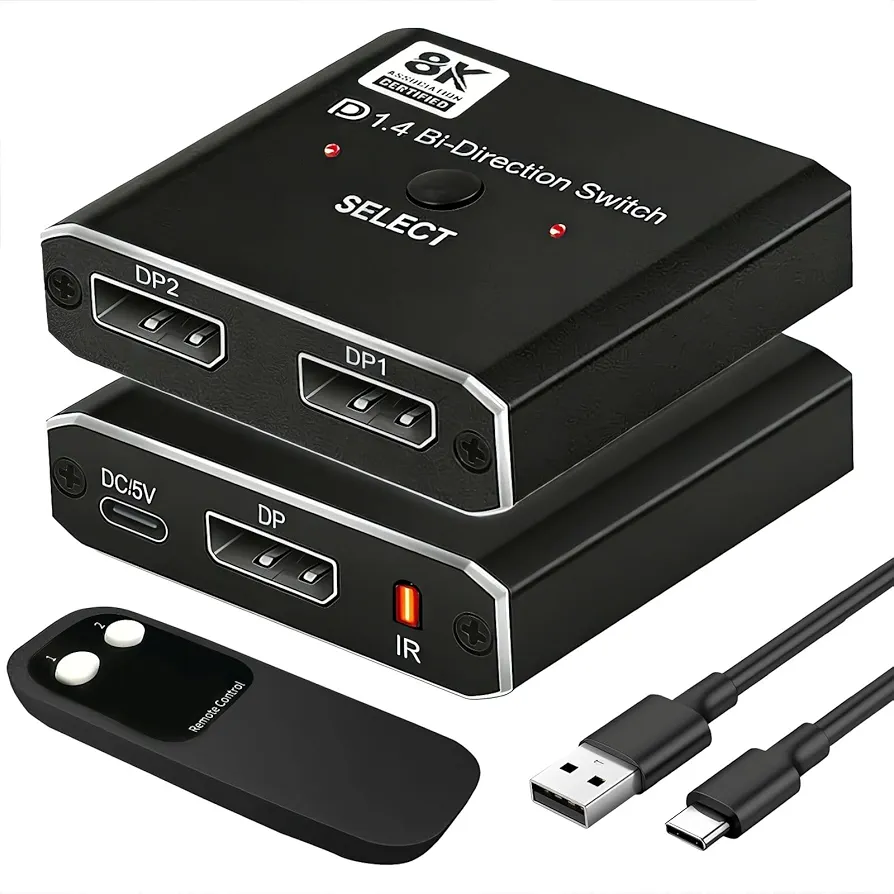
DisplayPort Switch – Complete Guide to Seamless Multi‑Device Display Management
A DisplayPort Switch is a powerful and convenient device that lets you connect multiple video sources — such as laptops, desktop computers, gaming consoles, and media players — to a single DisplayPort monitor and switch between them effortlessly without unplugging cables, making it an essential accessory in modern workstations, gaming setups, multi‑computer environments, and productivity‑focused desks; these switches support high‑resolution video signals — often up to 4K at 60Hz or higher — with full DisplayPort bandwidth to ensure crisp visuals, vibrant colors, and fluid motion whether you’re editing photos, streaming videos, multitasking across applications, or enjoying ultra‑high‑definition gaming, and because they maintain compatibility with DisplayPort standards like DP 1.2, DP 1.4, and beyond, they handle advanced features such as multi‑stream transport (MST), high refresh rates, HDR support, and deep color depths required by professionals, creators, and gamers alike.
DisplayPort switches are typically designed with multiple input ports and one or more output ports, allowing you to connect two or more computers to the same monitor and choose which source to display at any time using a manual button, remote control, or automatic switching mechanism triggered by active signal detection; this makes them ideal for shared workstations, collaborative environments, dual‑OS setups, and setups where space is limited but productivity demands remain high, eliminating the constant hassle of plugging and unplugging cables and preserving port longevity on your devices while keeping your desk neat and organized.
Important factors to consider when choosing a DisplayPort switch include number of input channels (2‑to‑4 or more), resolution and refresh‑rate support (such as 1080p, 1440p, or 4K at 60Hz/120Hz), compatibility with audio pass‑through so you retain sound output through the monitor or connected sound system, EDID management to ensure proper communication between source and display devices, plug‑and‑play operation without complex drivers or software, and robust build quality with secure port connectors that avoid signal loss or interference; many switches also provide power‑backup options, indicator LEDs, and compact form factors that fit easily into desktop setups without clutter, plus they integrate seamlessly with professional configurations involving docking stations, USB‑C hubs, and multi‑monitor setups.
For users who work with multiple systems — such as developers switching between test machines, video editors comparing footage from different rigs, or executives sharing one display between work and personal computers — a DisplayPort switch delivers unmatched convenience by streamlining your workflow, reducing cable wear, and maintaining consistent, high‑quality video output without interruption; overall, a DisplayPort switch brings efficient source management, high‑resolution display capability, easy switching control, compatibility with modern video standards, and tidy desk organization into one compact device that enhances productivity, gaming experiences, creative workflows, and multi‑device setups across home and professional environments.