Android Auto Wireless Adapter
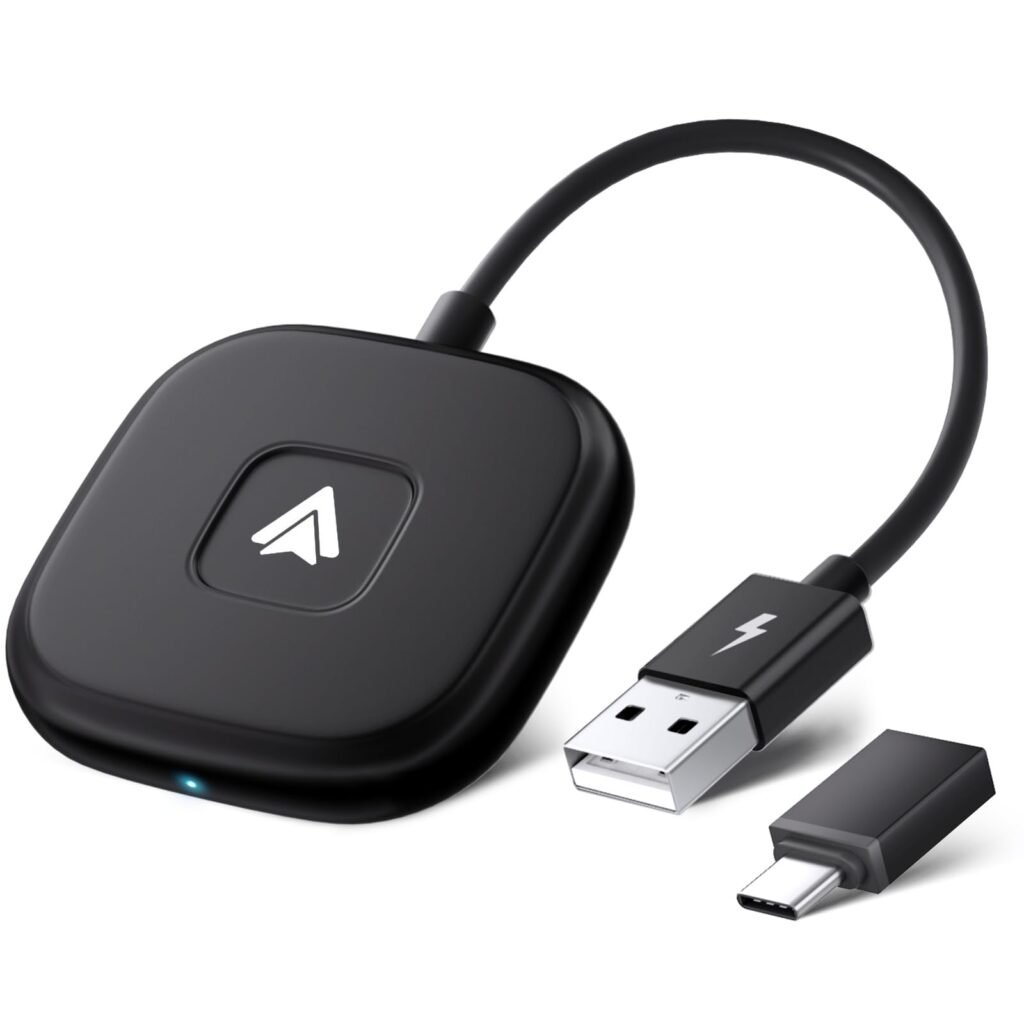
Wireless Android Auto Adapter — A Complete Guide to Cable-Free Connectivity in Your Car
A wireless Android Auto adapter is a small device that lets you use Android Auto without plugging your phone into the car with a USB cable. Many vehicles support Android Auto only through a wired connection. This adapter plugs into that same USB port and creates a wireless connection between your Android smartphone and your car’s infotainment system, using Bluetooth and Wi-Fi. Once paired, your phone connects automatically each time you start the car — giving you a cleaner, cable-free experience.
Android Auto lets you safely access navigation, calls, messages, music, and voice commands through your car’s screen while driving.
What Android Auto Does
Android Auto mirrors selected apps from your phone onto the car’s infotainment screen in a driver-friendly interface. With Android Auto, you can:
- Navigate with Google Maps or Waze
- Listen to music via Spotify, YouTube Music, etc.
- Send and receive messages hands-free
- Use voice control with Google Assistant
- Make hands-free calls
It’s designed to help you stay focused on the road while still accessing essential phone functions.
What a Wireless Adapter Adds
Normally, Android Auto requires a USB cable to connect your phone to the car. A wireless adapter:
- Eliminates the USB cable — connect automatically over wireless
- Reduces wear and tear on phone and car USB ports
- Keeps your dashboard tidy with no dangling cables
- Lets multiple users connect quickly without plugging in
After the first pairing, your phone typically connects to Android Auto wirelessly every time you start the car.
How It Works
- Plug the Adapter In
Insert the wireless adapter into the car’s Android Auto-specific USB port. - Pair Your Phone Once
On first use, pair your Android phone with the adapter via Bluetooth and Wi-Fi. - Automatic Connection Thereafter
After setup, your phone and car connect automatically when you power the vehicle. - Android Auto Launches Wirelessly
The phone projects Android Auto onto the car’s display without a cable.
Benefits of Using a Wireless Android Auto Adapter
Convenience
No cable means it’s easier to get in and go — ideal for commuters and shared vehicles.
Automatic Connectivity
Your phone connects as soon as you start the car, with no manual steps.
Cleaner Interior
No more USB cables hanging across the dash or center console.
Works With Existing Android Auto-Equipped Cars
You don’t need to replace your car’s infotainment system — just add the adapter.
Things to Keep in Mind
Compatibility
Not all cars or Android phones may support wireless Android Auto — it depends on the phone’s Android version and the car’s software. Check compatibility before purchasing.
Pairing Process
Initial setup involves pairing through Bluetooth and Wi-Fi. After that, connections should be automatic.
Performance
Wireless connections may sometimes be slightly slower than wired ones for app launch or media transfer, but for most users the difference is minimal in everyday use.
Phone Battery
Since the phone isn’t plugged in, expect some battery usage during extended sessions. Some adapters allow pass-through charging so a cable can still power your phone while it connects wirelessly to Android Auto.
Typical Uses
- Daily commuting — auto-connect Android Auto without plugging in
- Carpool vehicles — multiple drivers connect easily
- Road trips — navigation and media without cable fuss
- Rental or shared cars — quick wireless link for guest drivers
Summary
A wireless Android Auto adapter turns a traditional wired Android Auto connection into a cable-free experience. It plugs into your car’s USB port and uses Bluetooth/Wi-Fi to connect your Android phone to the car’s display automatically. Once paired, the adapter makes accessing navigation, calls, music, and voice commands easier and more streamlined — all without cluttering your dashboard with cables.
If you want, I can explain how to check if your specific car and phone support wireless Android Auto — just tell me what model phone and car you’re using.