
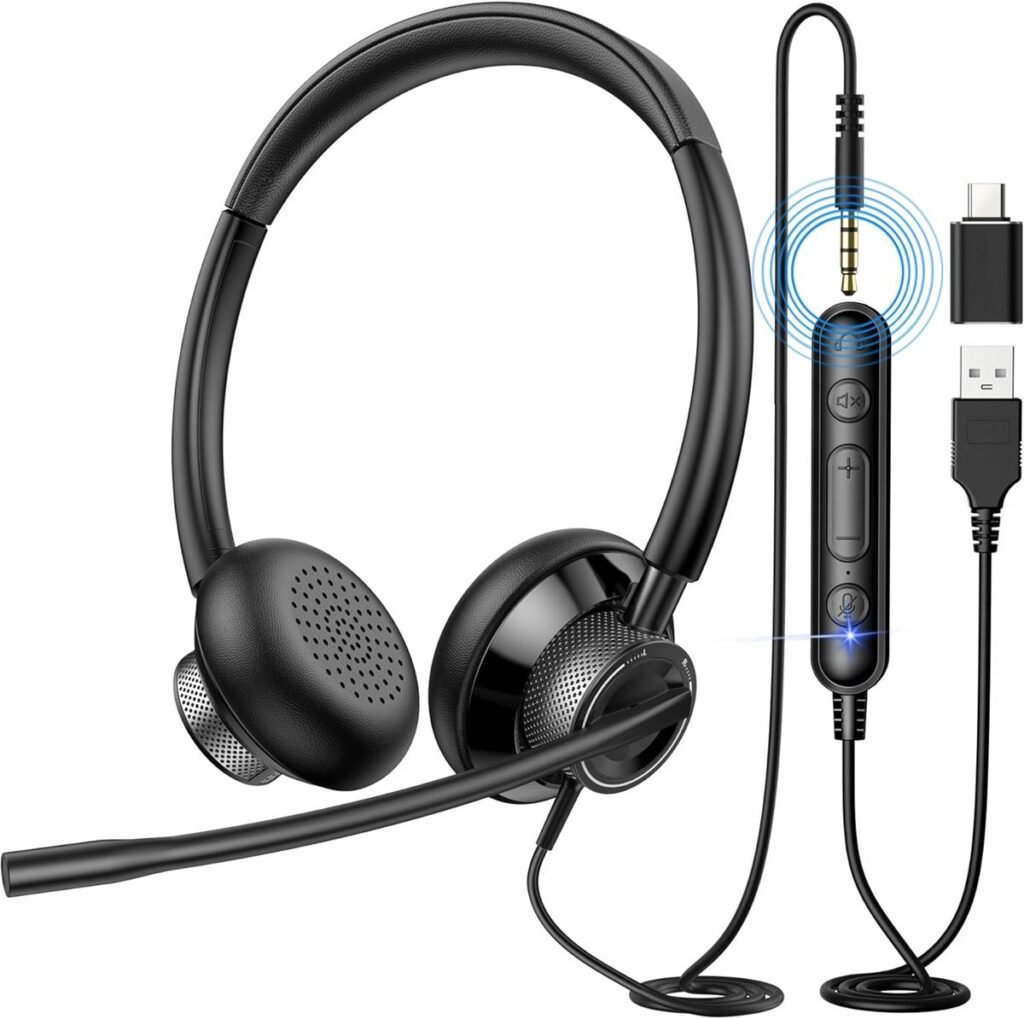
Computer Headset: Clear Sound, Better Focus, Smarter Communication
In today’s digital world, a computer headset is no longer just an accessory — it has become an essential tool for work, study, gaming, and entertainment. Whether you are attending online meetings, taking virtual classes, gaming with friends, or simply listening to music, a quality headset can completely transform your experience.
What Is a Computer Headset?
A computer headset is a combination of headphones and a microphone designed specifically for use with desktops and laptops. Unlike regular headphones, a headset allows two-way communication. This makes it perfect for video calls, voice chats, online gaming, customer service work, and remote collaboration.
Modern headsets come in both wired and wireless options and are compatible with various operating systems including Windows, macOS, and even tablets.
Types of Computer Headsets
1. Wired Headsets
Wired headsets connect through a 3.5mm audio jack or USB port. They are reliable and do not require charging. Many professionals prefer wired options because they provide stable sound without lag or signal interference.
2. Wireless (Bluetooth) Headsets
Wireless headsets connect through Bluetooth or a USB dongle. They offer more flexibility and freedom of movement. These are ideal for people who move around during calls or dislike cable clutter.
3. Gaming Headsets
Gaming headsets are designed with enhanced surround sound and noise-canceling microphones. They provide immersive audio and crystal-clear team communication.
4. Office/Call Center Headsets
These are lightweight and built for long hours of use. They often include noise-canceling microphones to reduce background sounds during professional calls.
Key Features to Look For
When choosing a computer headset, several important features should be considered:
Sound Quality
Clear and balanced audio ensures better communication and an enjoyable listening experience.
Microphone Quality
A noise-canceling microphone reduces background noise, making your voice clearer during calls.
Comfort
Soft ear cushions and adjustable headbands are essential, especially if you use the headset for long hours.
Connectivity
Make sure the headset is compatible with your computer’s ports (USB, Type-C, or 3.5mm jack).
Battery Life (For Wireless)
Long battery life ensures uninterrupted work or gaming sessions.
Benefits of Using a Computer Headset
Using a dedicated headset instead of built-in laptop speakers and microphones offers several advantages:
- Improved voice clarity
- Reduced background noise
- Better concentration
- Enhanced privacy
- Professional sound quality during meetings
For students attending online classes or professionals working remotely, a good headset improves productivity and communication.
Maintenance Tips
To keep your computer headset in good condition:
- Store it in a safe place after use
- Avoid twisting or pulling cables
- Clean ear cushions regularly
- Charge wireless models properly
- Keep it away from moisture
Proper care extends the lifespan of your device.
Final Thoughts
A computer headset is a simple yet powerful tool that enhances communication, focus, and entertainment. Whether you are working from home, studying online, or gaming competitively, investing in the right headset makes a noticeable difference. Choosing a model that fits your needs and budget ensures long-term satisfaction and comfort.
In the modern digital lifestyle, a reliable computer headset is not a luxury — it is a necessity.