
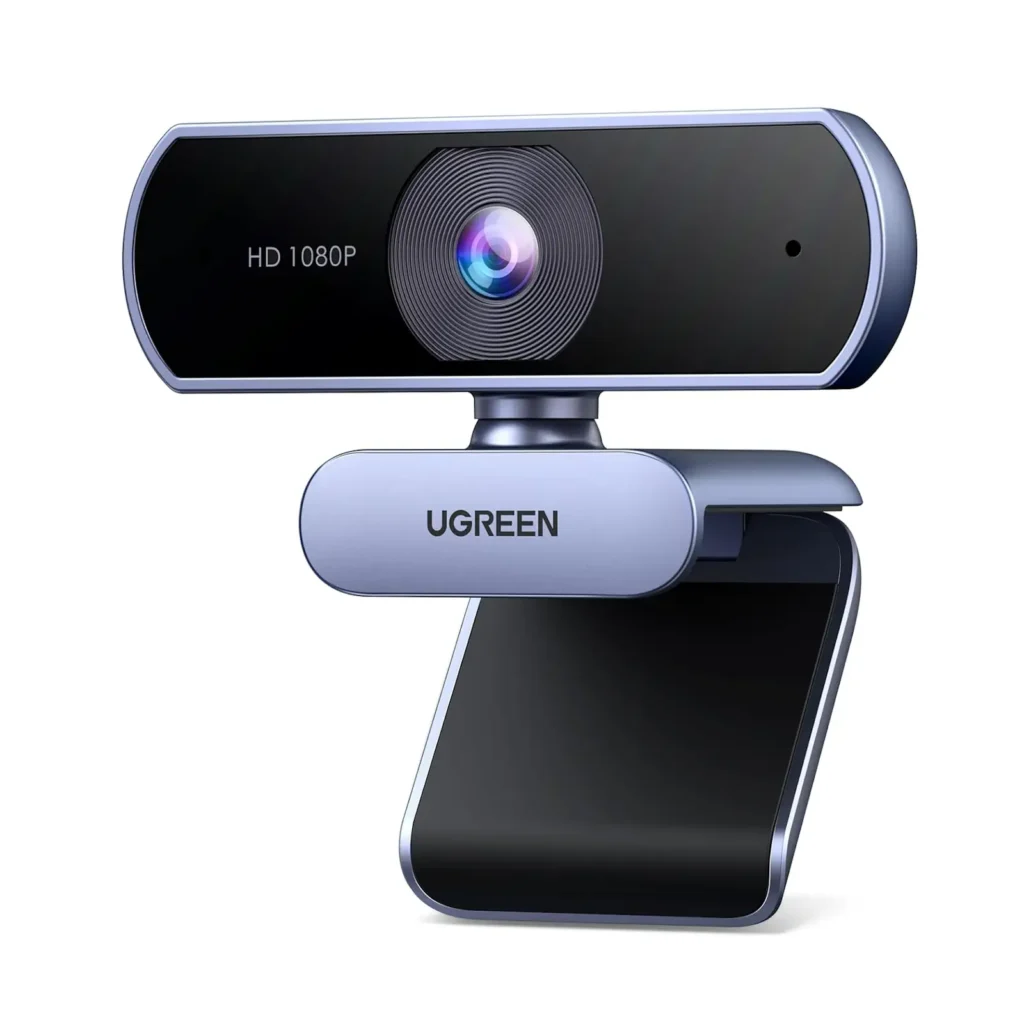
Webcam with Microphone — A Complete Guide to Clear Video and Audio for Work, Study & Streaming
A webcam with microphone is a digital camera designed to sit on top of your computer, laptop, or monitor — or mount nearby — that captures video and audio so you can communicate clearly in video calls, meetings, online classes, live streams, or recorded content. Unlike built-in laptop cameras and mics, an external webcam typically offers better image quality, improved sound capture, and more flexibility in placement and performance.
Webcams with built-in microphones are essential tools for modern remote communication, and they range from affordable basics to high-definition models with advanced features.
What a Webcam with Microphone Does
A webcam with microphone lets you:
- Participate in video calls on platforms like Zoom, Teams, Google Meet, Skype, and FaceTime
- Record video and audio for presentations, tutorials, and vlogs
- Live stream on platforms such as YouTube, Twitch, or social media
- Attend online classes or events with clear visuals and sound
- Enhance communication quality beyond standard built-in cameras
By combining both video capture and audio pickup in one device, these webcams simplify setup and reduce the clutter of multiple peripherals.
Key Features to Consider
1. Video Resolution
Webcams come in different resolutions that determine clarity:
- 720p (HD): Entry-level, decent for basic video calls
- 1080p (Full HD): Clear and versatile — good for most uses
- 2K / 4K: Higher detail for professional streaming and content creation
A higher resolution means sharper images, especially in larger windows or screens.
2. Built-In Microphone Quality
Not all microphones are created equal. Good webcams include:
- Stereo or dual mics: Capture sound from different directions
- Noise reduction: Reduces background noise for clearer speech
- Automatic gain control: Balances soft and loud sounds
These features help ensure your voice comes through clearly without static or echo.
3. Field of View (FoV)
The field of view determines how much area the camera captures:
- Narrow FoV (60–75°): Focused on the speaker
- Wide FoV (90° and above): Captures more of the room or multiple people
Choose based on whether you are recording yourself alone or a group.
4. Autofocus and Low-Light Performance
- Autofocus: Keeps you sharp even if you move
- Low-light correction: Brightens image in dim rooms without harsh lighting
These features improve video quality in realistic environments.
5. Mounting Options
Most webcams offer:
- Clamp or clip: Attaches to monitors or laptops
- Tripod thread: Lets you mount on stands for flexible positioning
Stable mounting helps keep the camera steady and at the best viewing angle.
Benefits of Using a Webcam with Microphone
Better Video Quality
External webcams generally provide clearer, sharper video than built-in laptop cameras.
Improved Audio Capture
Built-in microphones in webcams often outperform laptop microphones, capturing more natural sound with less background noise.
Flexible Placement
You can move the webcam for better angles, lighting, and composition.
Professional Presence
Higher quality video and audio make a strong impression in meetings, streams, and presentations.
Common Use Cases
Remote Work Professional meetings and video conferencing with colleagues and clients.
Online Learning Clear visuals and sound help you stay engaged and be understood.
Streaming & Content Creation Webcams with high resolution and good audio capture help you produce polished videos.
Live Events and Webinars Deliver presentations or host sessions with reliable audiovisual quality.
Social Video Chats Keep in touch with friends and family using high-quality video and sound.
Tips for Best Results
- Position at Eye Level: For a natural view and flattering angles.
- Check Lighting: Natural light or soft lamps in front of you help reduce shadows.
- Minimize Noise: Use a quiet room or background noise suppression features.
- Clean Lens: Wipe gently to keep the video clear.
- Test Before Use: Check video and audio settings before calls or recordings.
Summary
A webcam with microphone combines video capture and sound pickup in one easy-to-use device, making it ideal for video calls, streaming, remote work, online classes, and more. With features like HD resolution, noise-reducing microphones, autofocus, and flexible mounting, webcams provide clearer, more polished audiovisual communication than built-in laptop hardware. Whether you want better quality for professional meetings or smoother performance for streaming and content creation, a webcam with microphone is a smart addition to any setup.
If you’d like, I can explain which features matter most for your specific use — for example teaching, gaming, or business meetings. Just tell me where you plan to use it!